
Calculators
Thickness from the tables.Quantities you can defend.
Schedule-based calculators work out protection thickness and material quantities for structural steel, ductwork and firestopping from published manufacturer assessment data.

Five calculators
One schedule each, published data behind every line
Each calculator reads thickness from the manufacturer's assessment tables and pools the materials you need to order.
01
Steel (spray)
Spray thickness and bags
02
Steel (board)
Board thickness and sheets
03
Steel (intumescent)
Dry film thickness and kits
04
Ductwork
Thickness or wrap layers
05
Firestopping
Collars, wraps and mastic
Next published value
Selection steps up to the next higher published factor or period. Blank table cells stay unavailable.
Pooled before rounding
Whole bags, sheets and kits come from the pooled total, not from rounding every line.
Fails closed
If assessment evidence is missing or out of range, the result is withheld with a status, not guessed.
Built to be checked
Conservative by design
The calculators were built from proven estimating workbooks and checked against Microsoft Excel, then made stricter where the workbooks were not.
- 3,471
- Schedule cases checked against Excel
- 1,000
- Rows per schedule
Every product, its own assessment
Steel (spray)
Six spray products
CAFCO 300, MANDOLITE CP2, FENDOLITE MII, PERLIFOC HP ECO+, MONOKOTE MK-6 HY and MONOKOTE Z106.
Steel (board)
Board and sheets
PROMATECT 100, 250 and XS, and Trafalgar COREX, from 30 to 180 minutes.
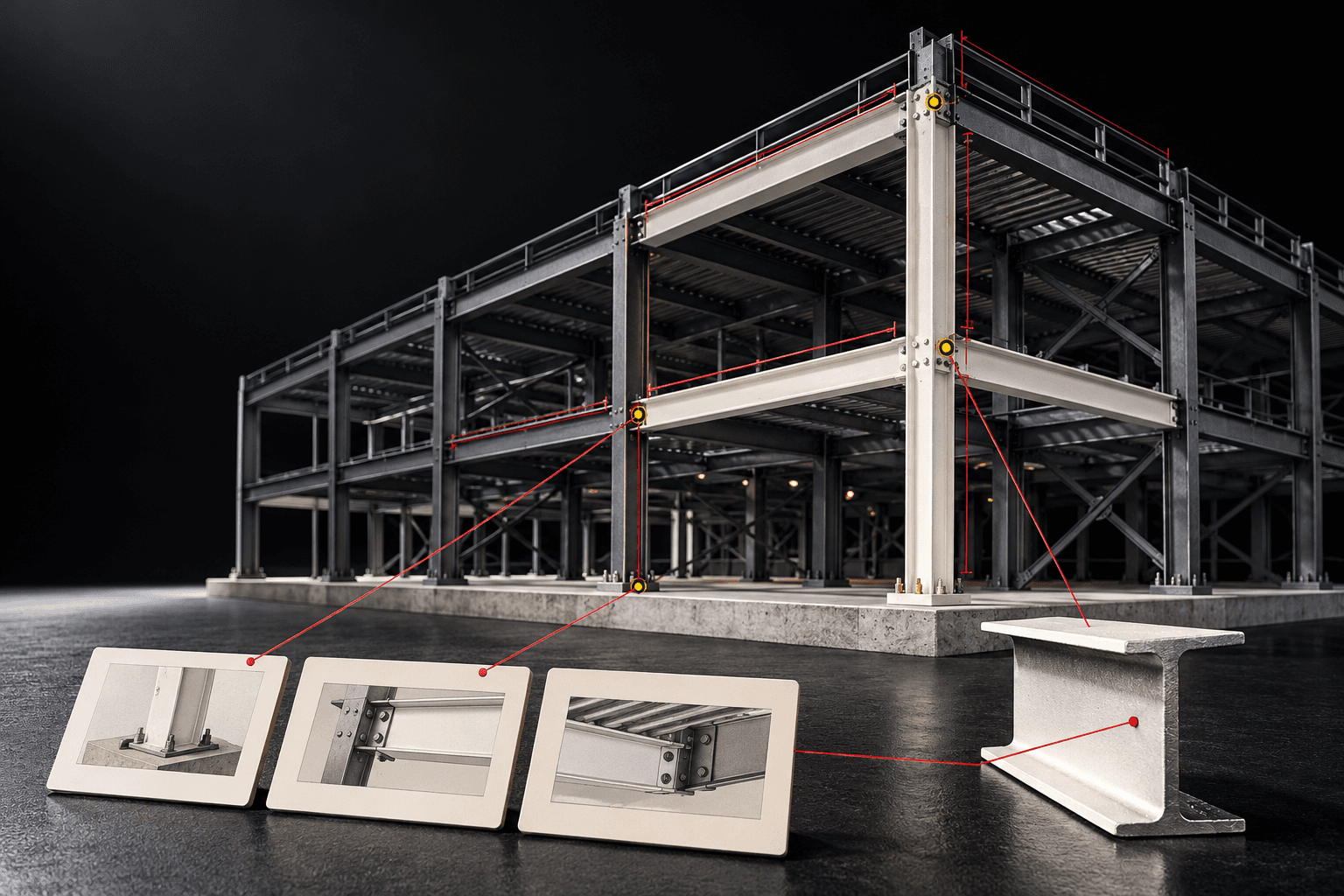
Steel (intumescent)
Dry film thickness
Nullifire SC902, FIRETEX FX5090 and FIRETEX FX6010, in microns.
Ductwork
Rectangular ducts
CAFCO, MONOKOTE and FyreWrap, across five FRLs from 60/60/60 to 240/240/180.

Firestopping
Penetrations
Pipes, bundles, cable trays, substrates and bulkheads, with editable task hours and waste.
FACTOR CALCS
Section factors
Enter A/V, Hp/A or ESA/M, with helpers for idealised hollow sections.
How a schedule works
Schedule, recalculate, issue
- 1
Fill the SCHEDULE
Type rows in, or use Export Template, fill it in Excel and Import Schedule (up to 5 MB).
- 2
Adjust SETTINGS
Yields, waste and other numeric settings are editable. Assessment data stays read-only.
- 3
Recalculate
Review the SUMMARY: thickness, areas and pooled quantities.
- 4
Download
The schedule as PDF and XLSX, and the Product Summary PDF.

Questions & answers
How the numbers are worked out
More of the platform
Everything else in CLASSIFIRE
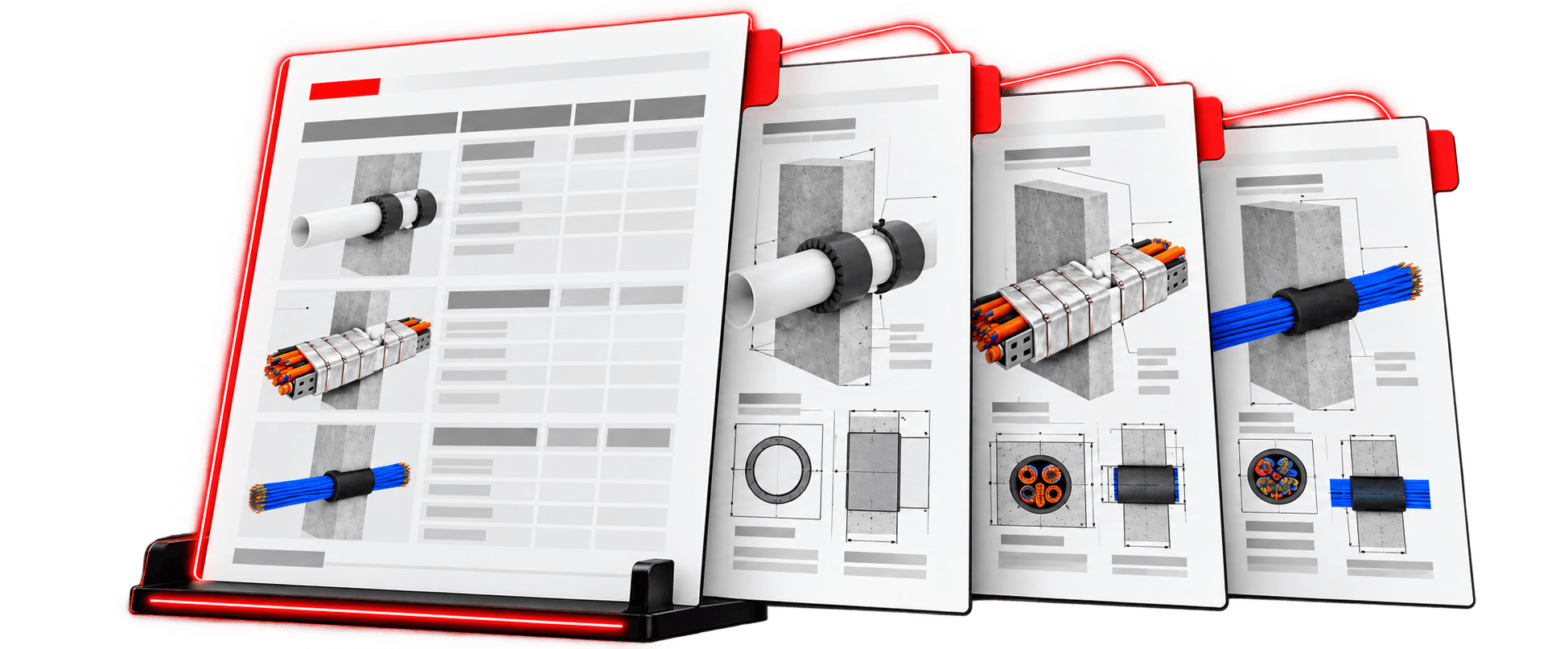
Solution
Libraries
A Technical Library of tested firestopping systems from manufacturer reports, a Firestopping Library of your own priced items, and a Pricing Library that feeds every estimate.
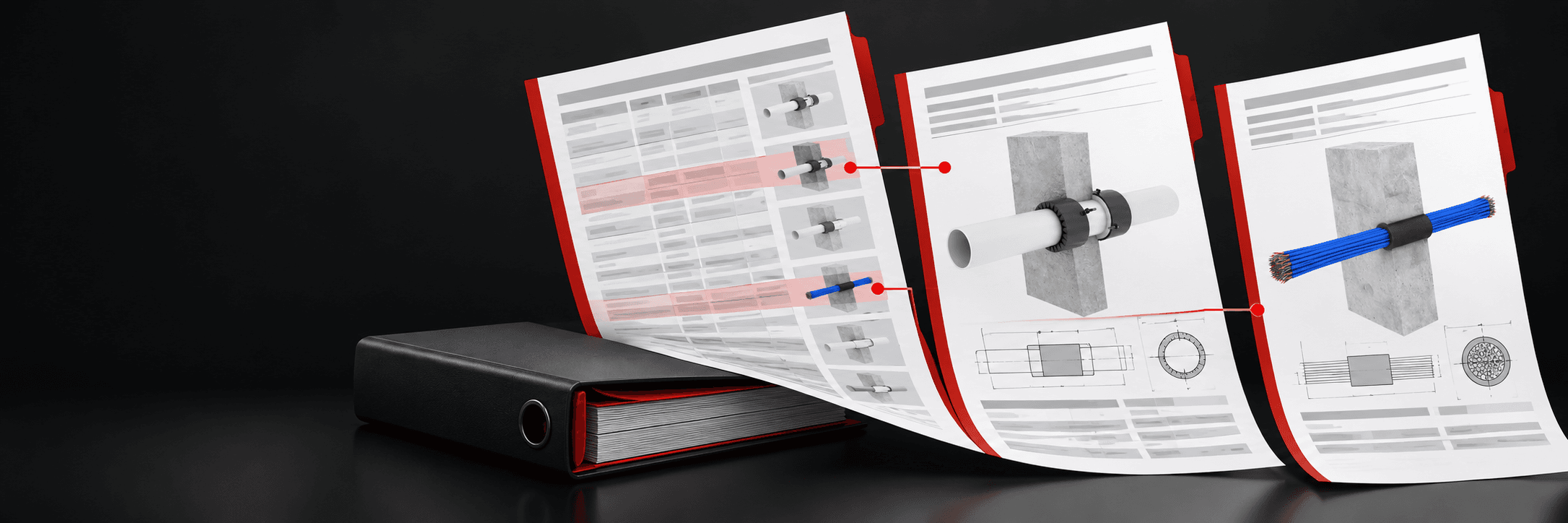
Solution
Projects & reports
Keep the quote, firestopping schedule, calculators and pricing snapshot together, and produce branded schedules, product summaries and installation certificates with a full revision history.
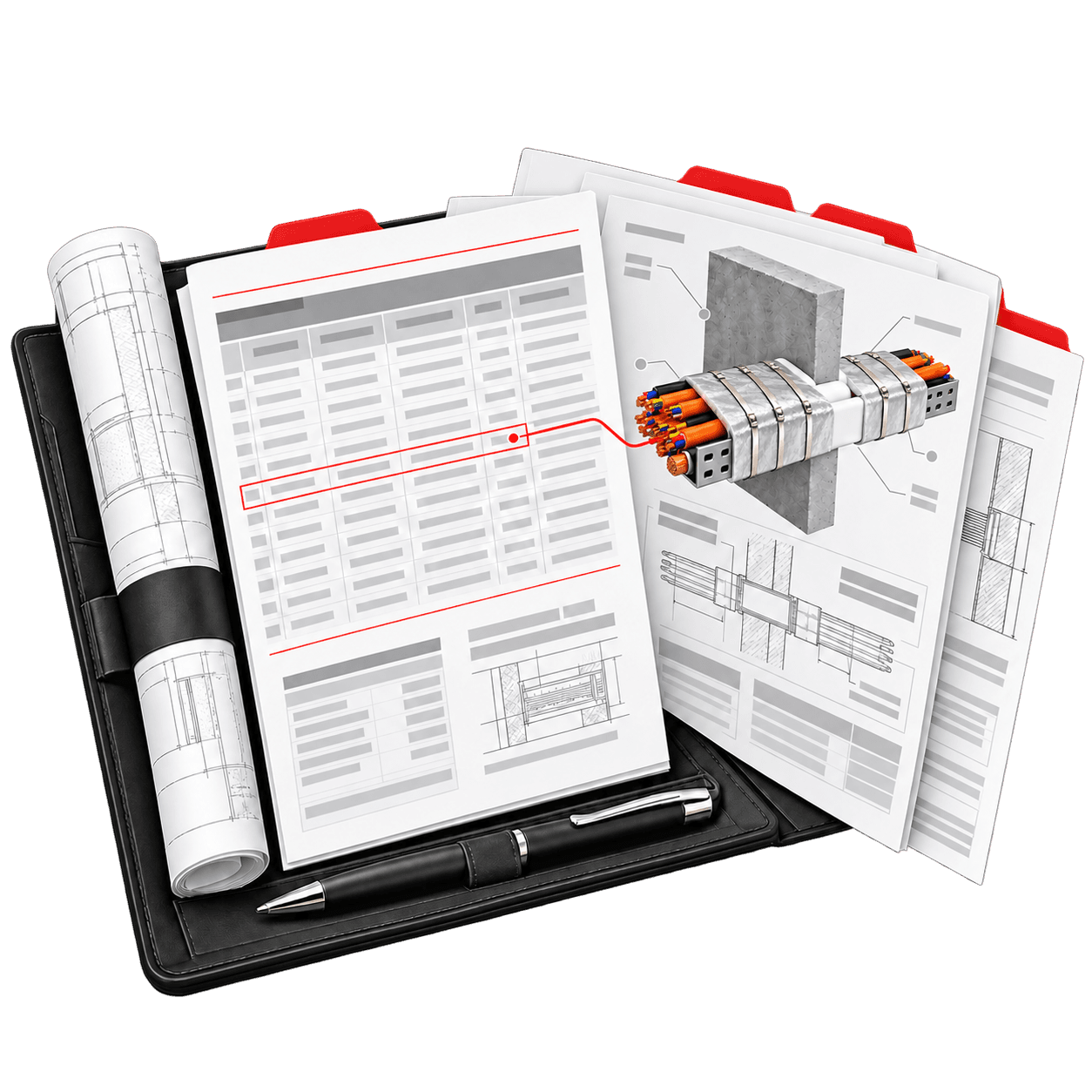
Solution
Settings
Set your company details, logo and cover sheets once. Every new PDF carries your branding, and the interface works in the language your team prefers.
Run your next schedule in CLASSIFIRE.
Thickness from the tables. Quantities you can defend.