
- English
- 中文
- हिन्दी
- Español
- العربية
- ไทย
- 한국어
- Tagalog
- Tiếng Việt
- Français
- বাংলা
- اردو
12 interface languages
Switch instantly, without losing drafts. Exports stay in English.
Settings
Set your company details, logo and cover sheets once. Every new PDF carries your branding, and the interface works in the language your team prefers.
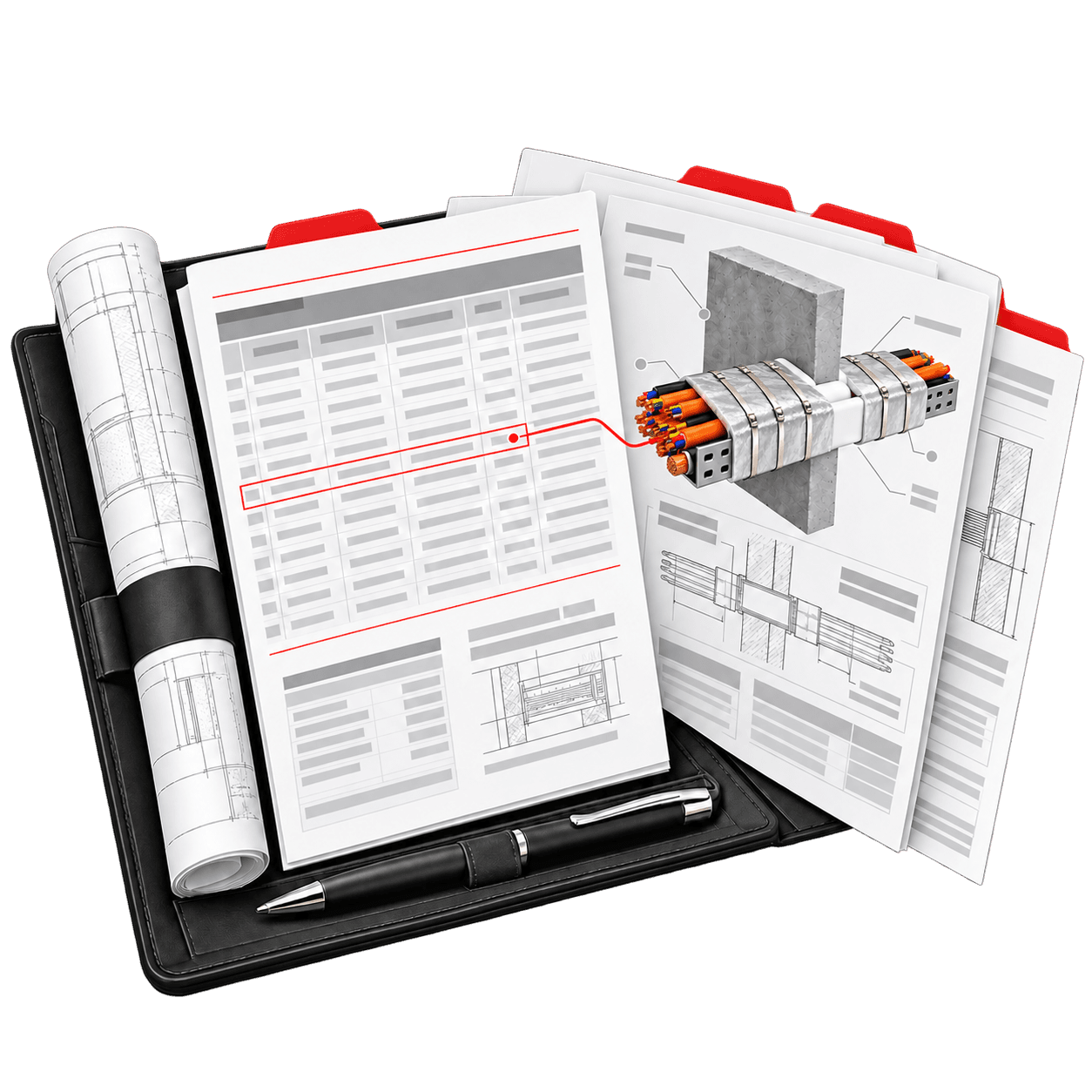
Company branding
Company name, ABN, phone and email.
A PNG or JPEG of up to 2 MB, shown in the header of new PDFs.
A main company cover, plus a cover for each type of download.
Branding applies to new downloads. Saved calculations and pricing are untouched.
Language and appearance
Switch instantly, without losing drafts. Exports stay in English.
Arabic and Urdu switch the interface to right-to-left, while drawings keep their orientation.
CLASSIFIRE, Midnight, Ocean, Forest and Slate. Your PDFs always use the CLASSIFIRE colours.
Translation is part of the app and needs no external service or key.
Your company cover, then the document's own cover, then the content.
Each cover sheet is a PDF of up to 10 MB and 25 pages.
Saved certificate revisions keep the cover they were issued with.
Cover sheets
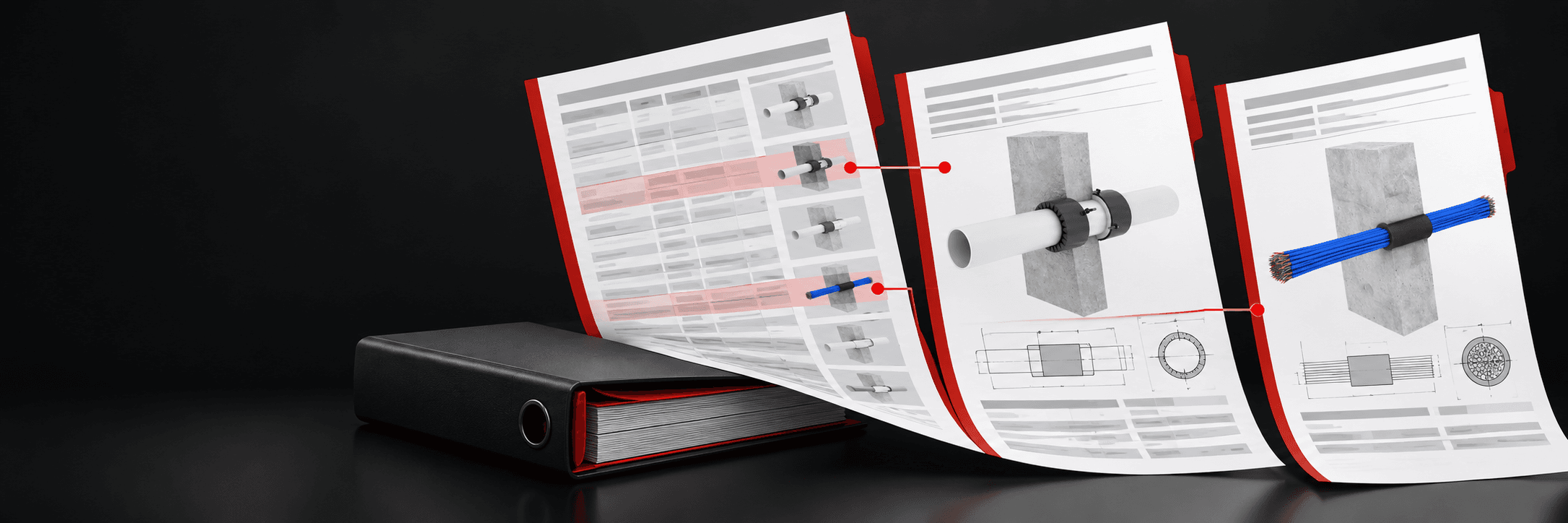
Add a main company cover, then a cover for each download: certificates, the Breakdown, schedules, summaries and markups.
Questions & answers
More of the platform
Solution
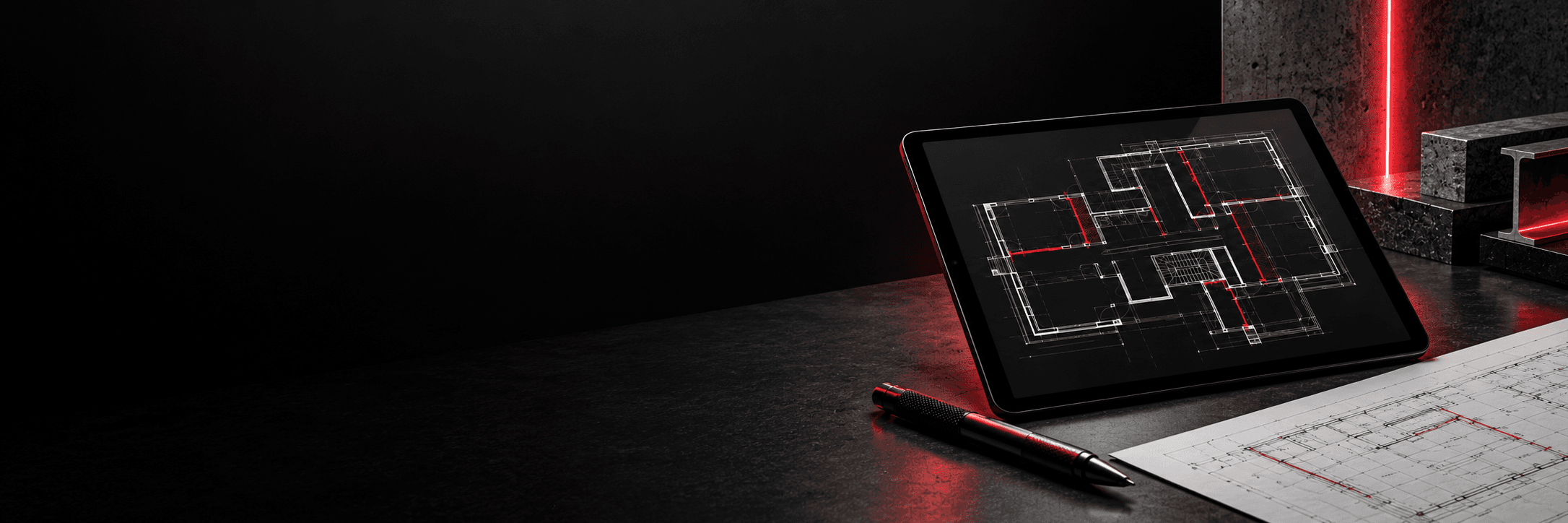
Build a priced passive fire quote from coverage, products, crews and allowances. The Estimate Summary updates as you work, and each project keeps the prices it was quoted with.
Solution
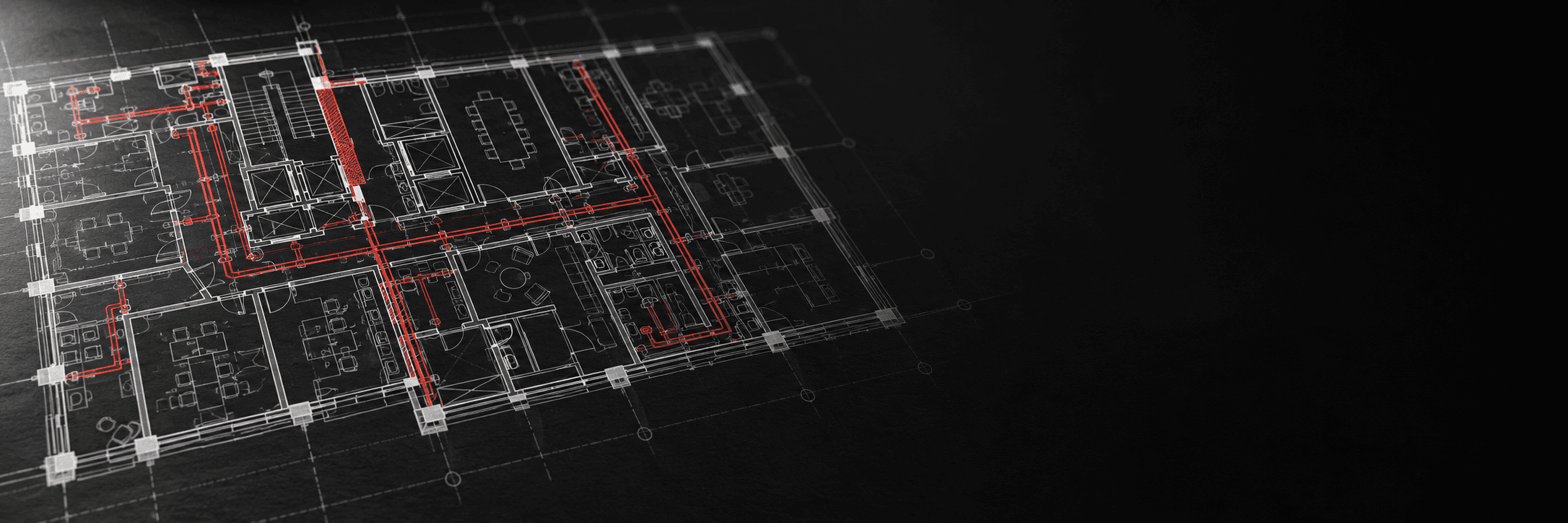
Measure steel, ductwork, walls and floors on PDF drawings, and mark up service penetrations. Confirmed items transfer into the calculators after a preview, so nothing changes without your review.
Solution
Schedule-based calculators work out protection thickness and material quantities for structural steel, ductwork and firestopping from published manufacturer assessment data.
Your brand. On every document.