
Pricing Library
Each item has a supplier price and a markup. The sell price is worked out for you, in the Main Library or for the Current Project.
Estimating
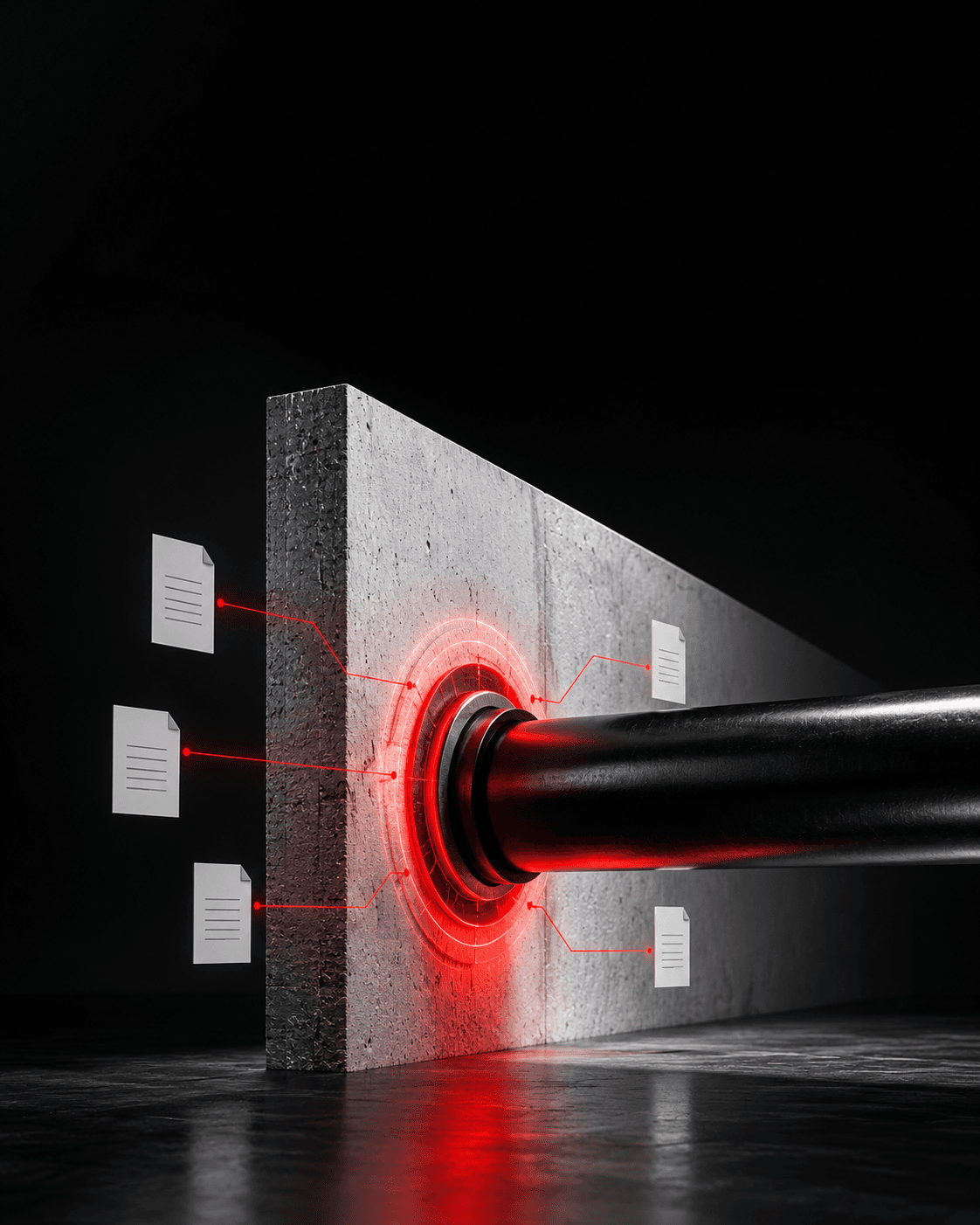
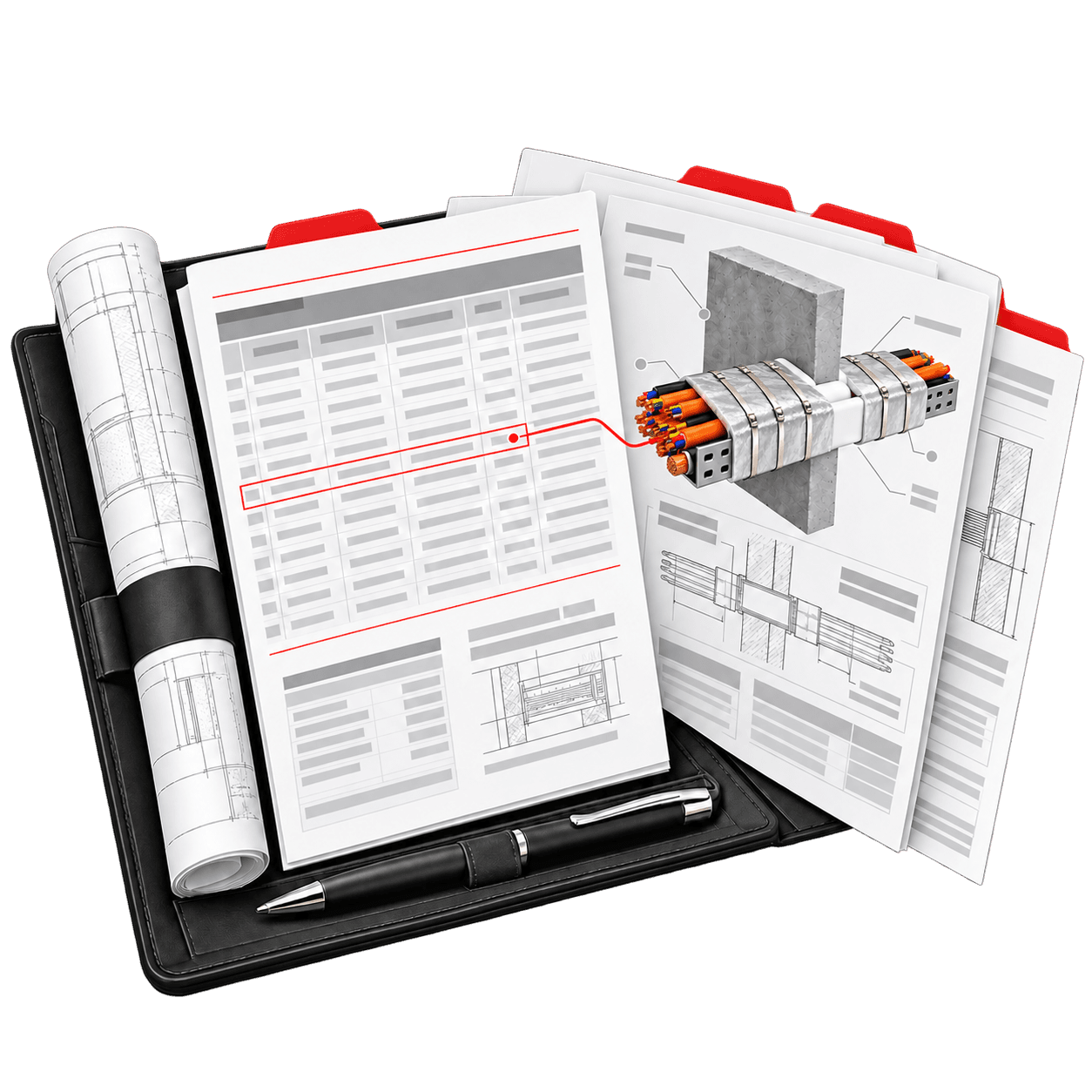
Build a priced passive fire quote from coverage, products, crews and allowances. The Estimate Summary updates as you work, and each project keeps the prices it was quoted with.

Estimating
CLASSIFIRE reproduces proven passive fire quoting workbooks, so the numbers work the way estimators expect. Its formulas were checked against Microsoft Excel, and you no longer need Excel to run them.
How a quote comes together
Enter the Project No., Client and Site Address. The quote is named from them.
Access & Travel, Teams/Crews, Materials, Masking/Cleaning and Additions, with Global Adjustments.
Estimate Summary, Material Breakdown, Labour Breakdown and Firestopping Breakdown.
The priced quote as a PDF, with your company details on it.
Pricing that holds
Each item has a supplier price and a markup. The sell price is worked out for you, in the Main Library or for the Current Project.
A saved project keeps its pricing snapshot, so old quotes never change unless you choose Use current pricing.
Export the Pricing Library, edit it in Excel and import it. You review the changes before anything is saved.
Editable task-hour tables for pipes, board, mastic, framing and wrap, plus a register allowance per item.
Why estimators switch
Questions & answers
More of the platform

Solution
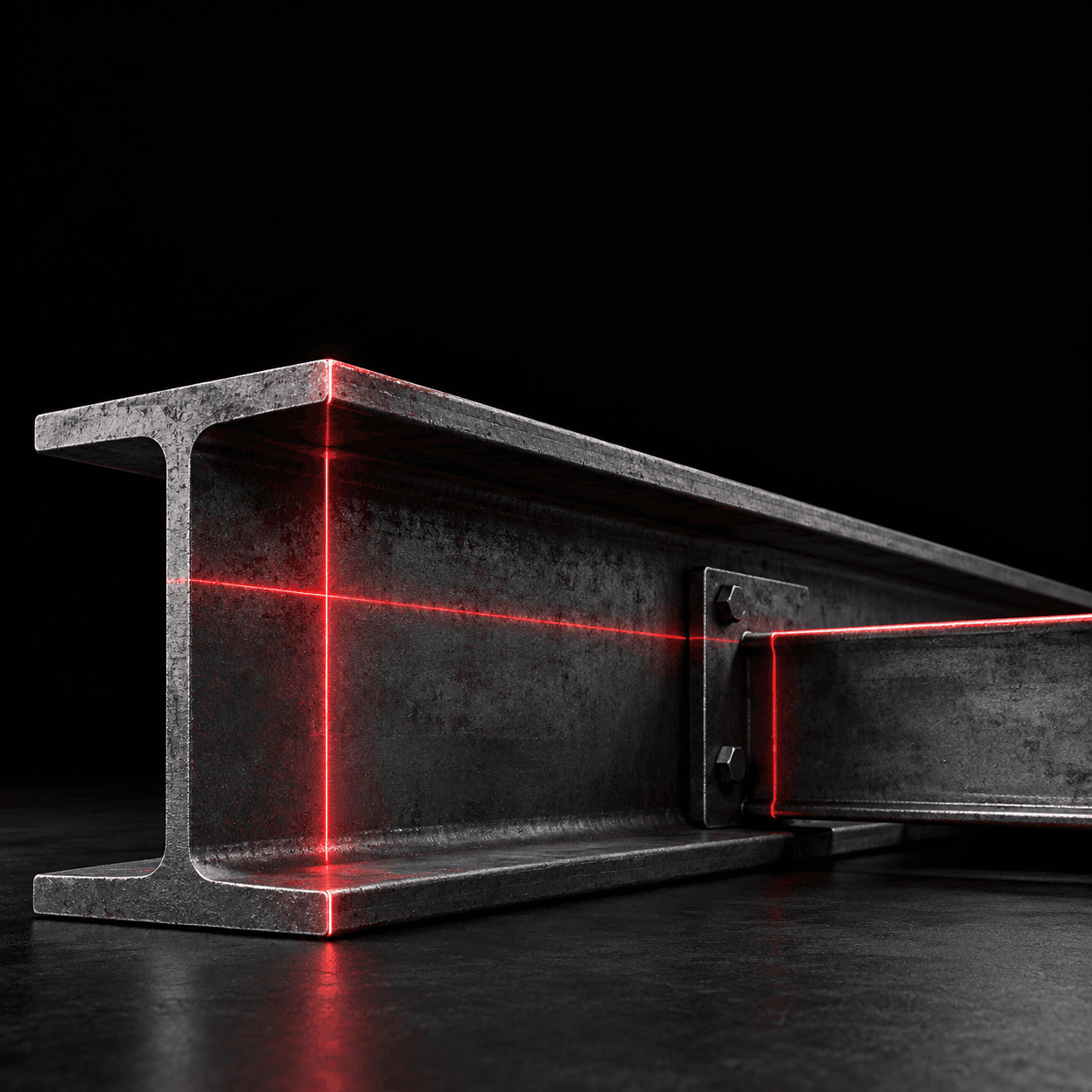
Measure steel, ductwork, walls and floors on PDF drawings, and mark up service penetrations. Confirmed items transfer into the calculators after a preview, so nothing changes without your review.
Solution
Schedule-based calculators work out protection thickness and material quantities for structural steel, ductwork and firestopping from published manufacturer assessment data.
Solution
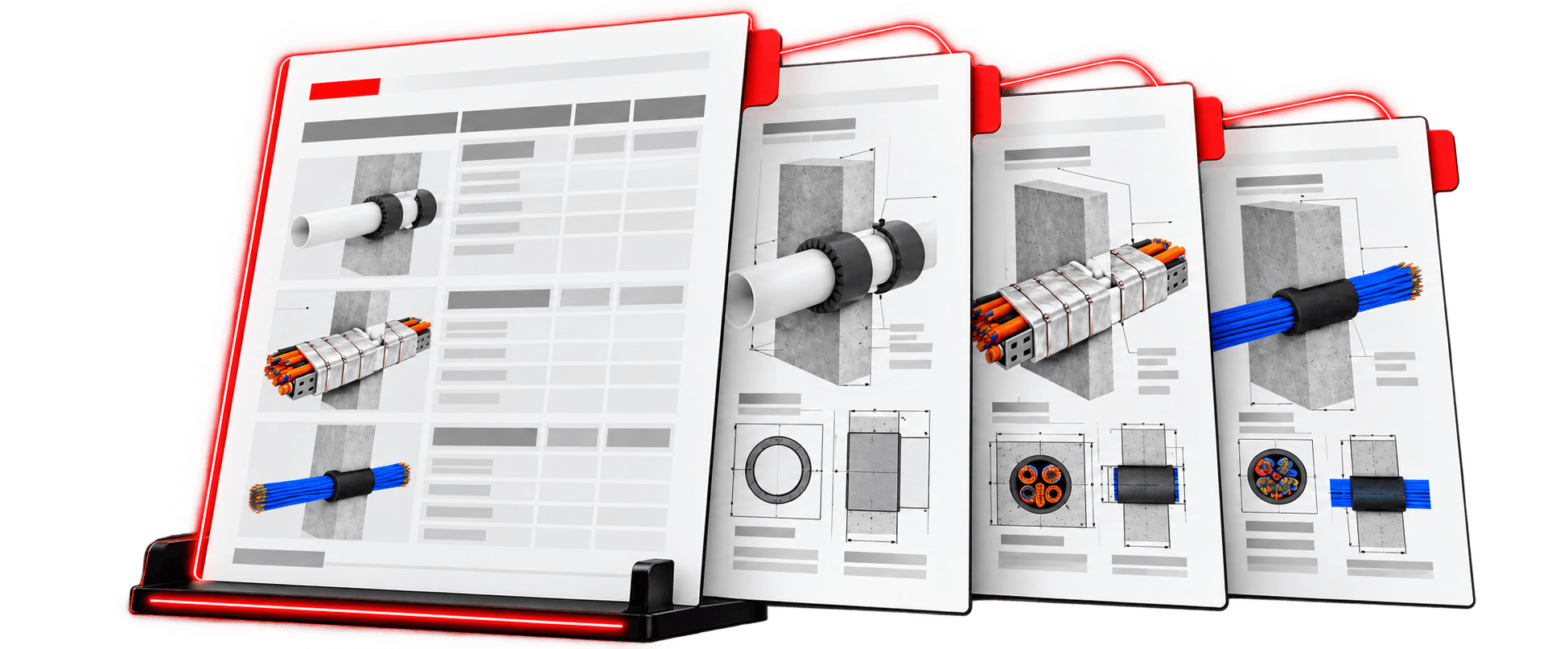
A Technical Library of tested firestopping systems from manufacturer reports, a Firestopping Library of your own priced items, and a Pricing Library that feeds every estimate.
Every cost in one quote, priced your way.