

Revisions
Every generated certificate is stored as its own revision, which cannot be changed.
Projects & reports
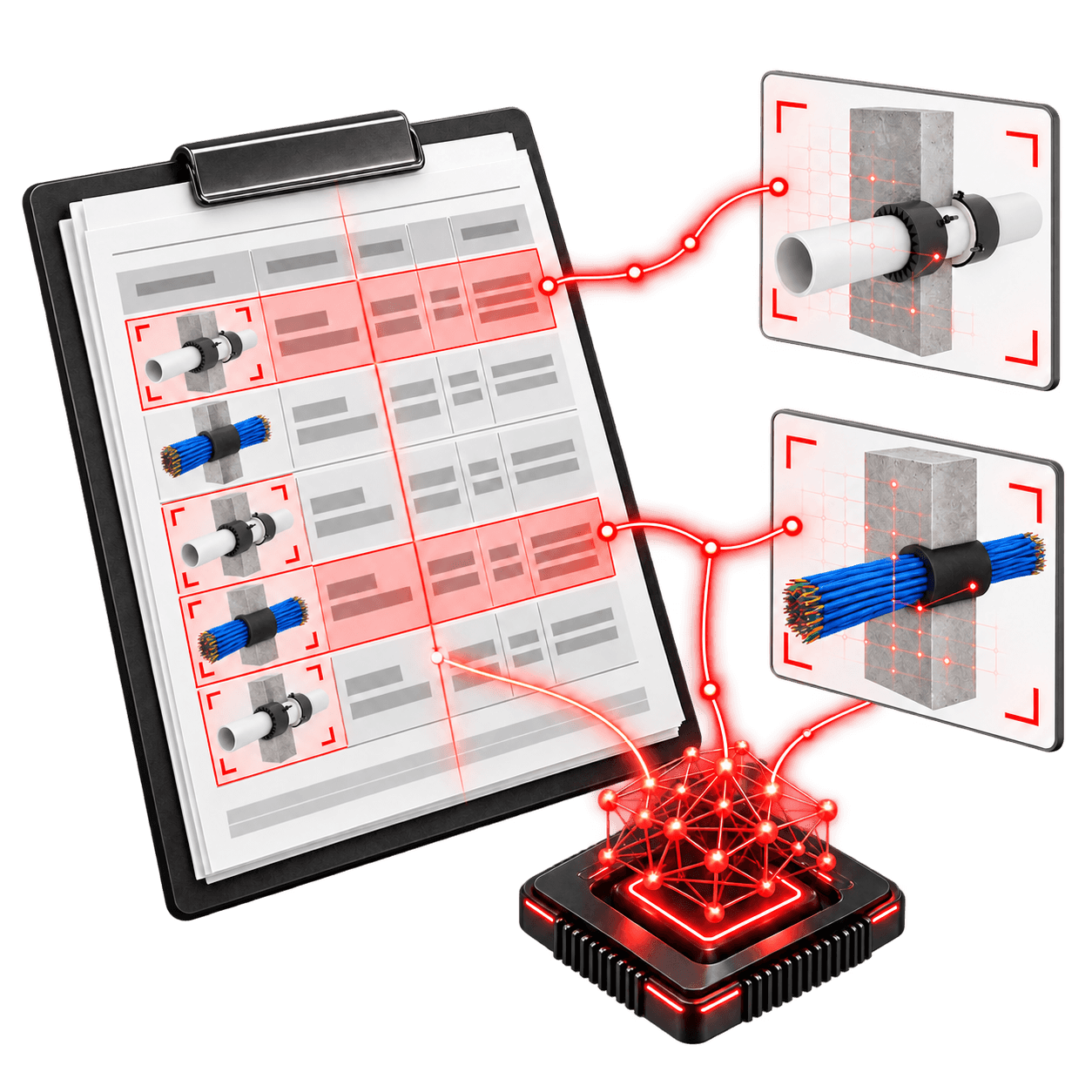
Keep the quote, firestopping schedule, calculators and pricing snapshot together, and produce branded schedules, product summaries and installation certificates with a full revision history.
Projects
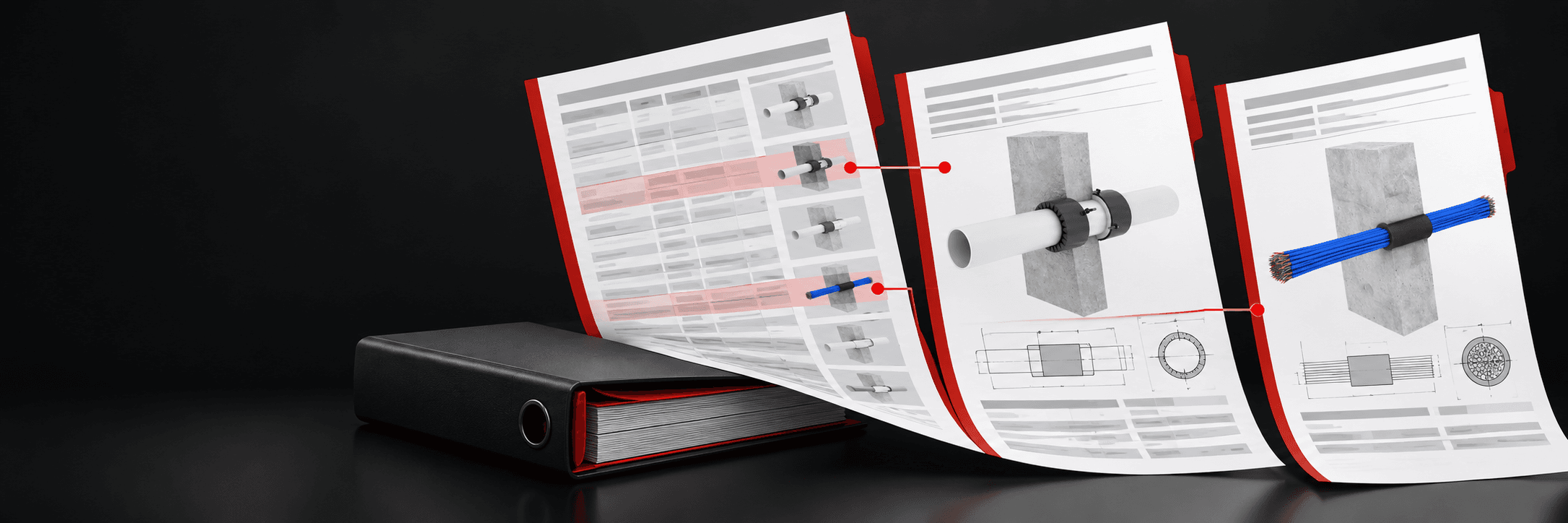
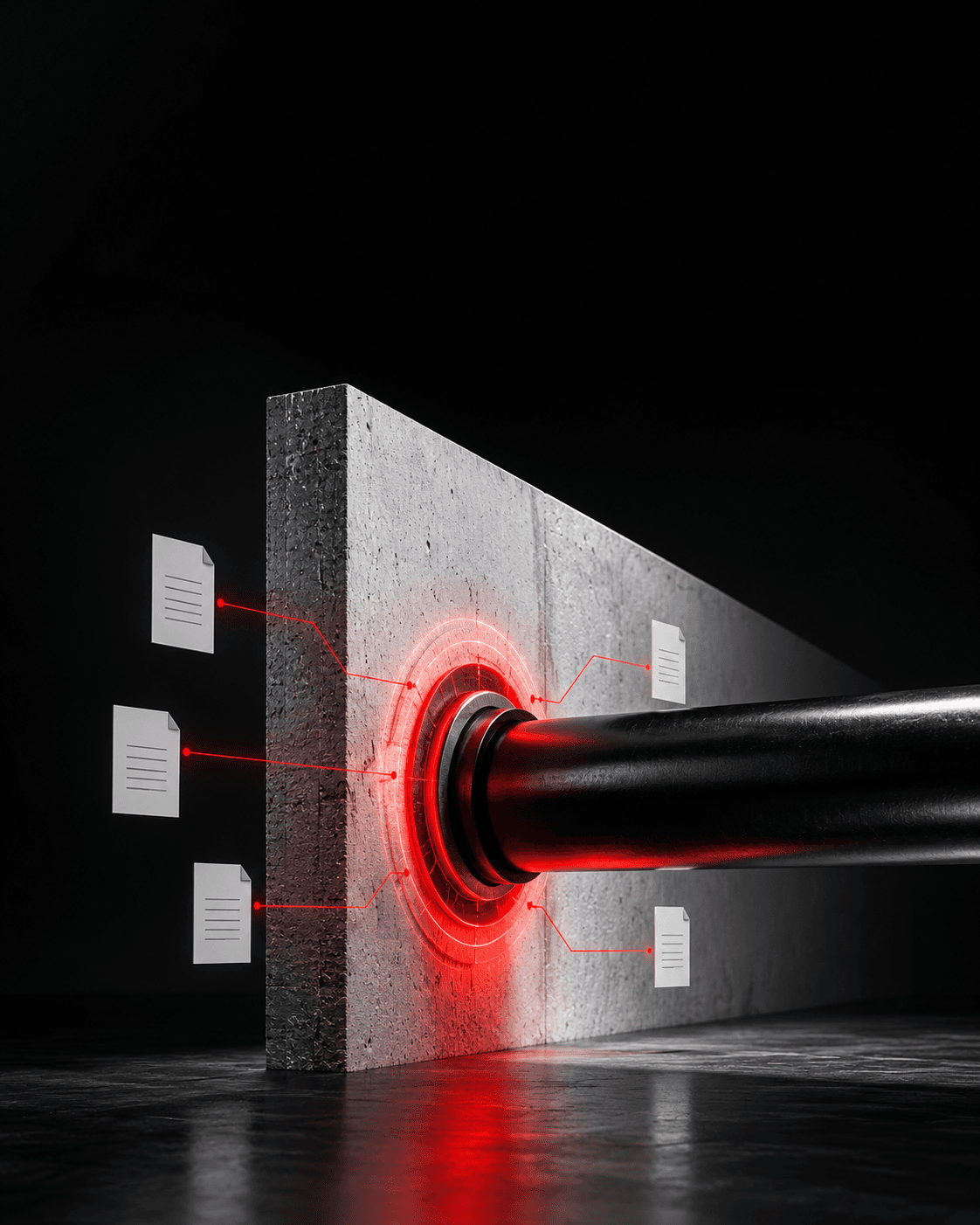
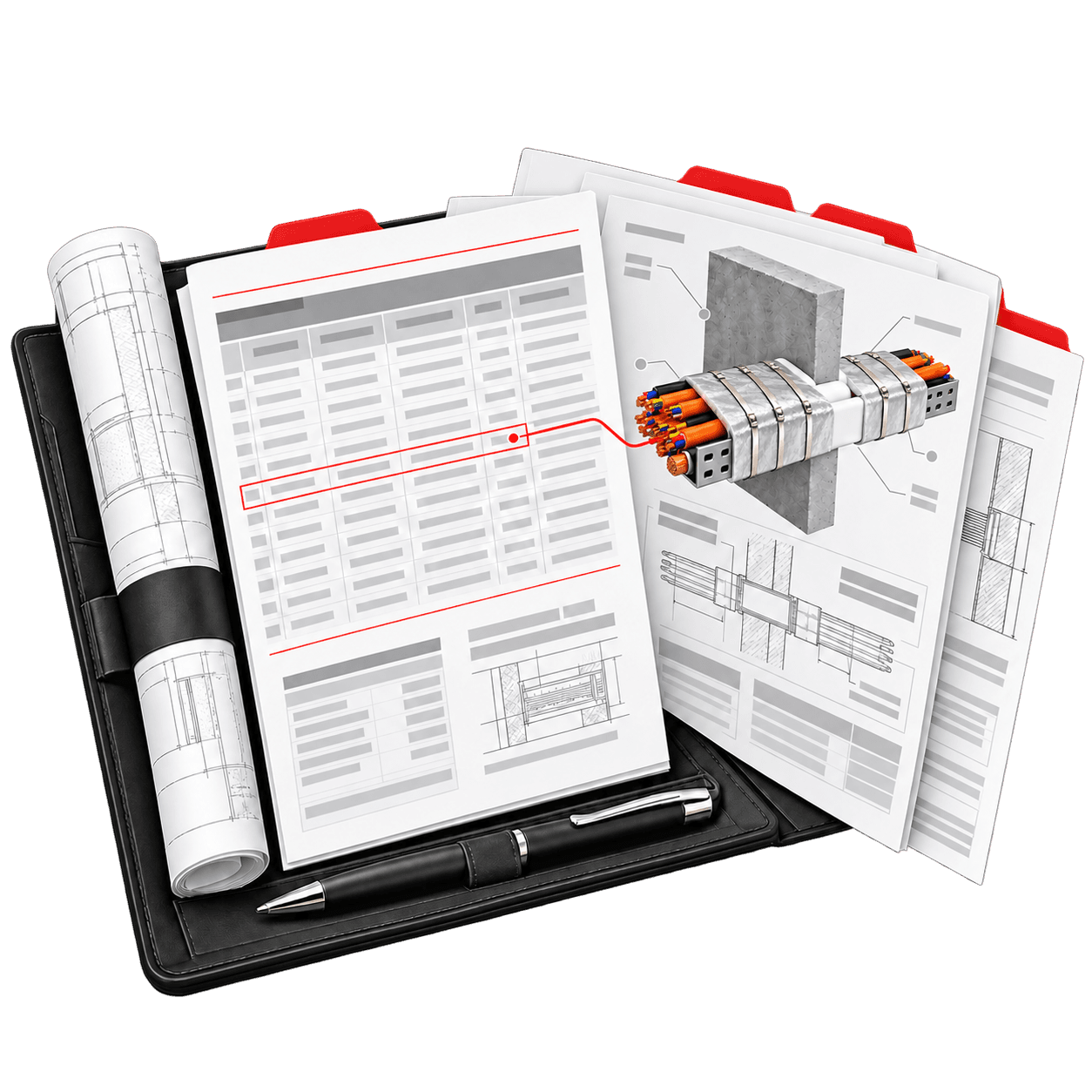
One project holds the quote, the Firestopping Schedule, every calculator and the pricing snapshot, so every document comes from the same job.
Reports
PDFSpray, board, ductwork and firestopping
PDFWith the project's prices

PDFFrom the estimate
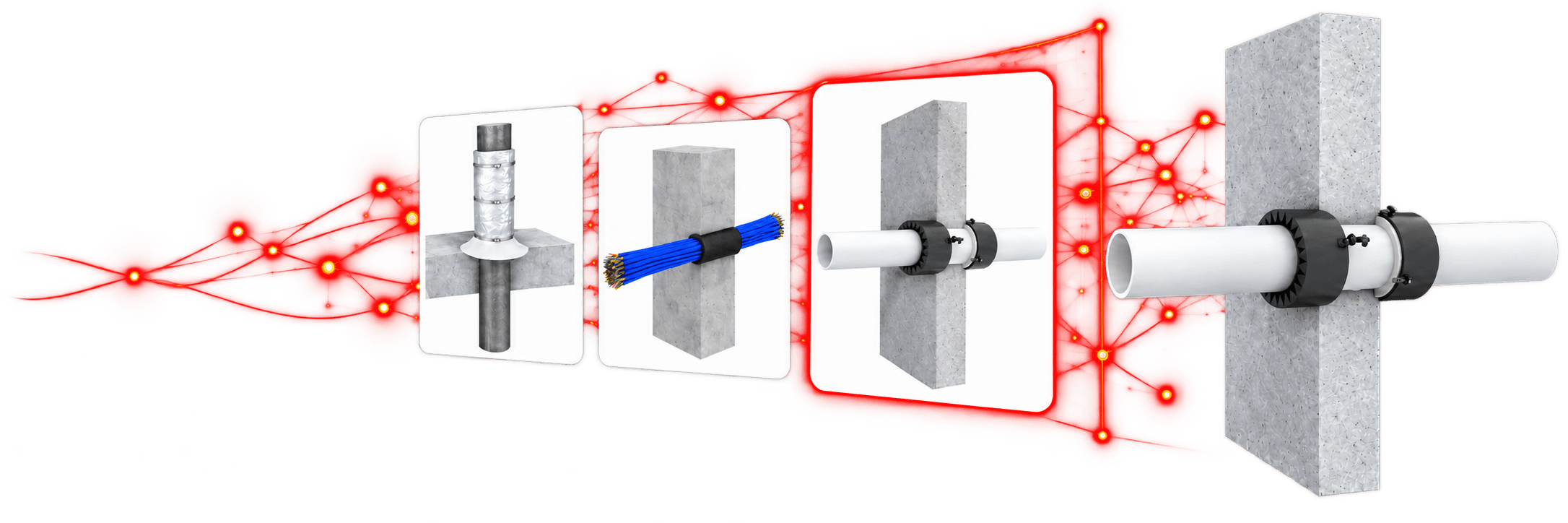
PDF · XLSXFRL, service size and orientation
PDFStandards, NCC clauses and signature

PDF · XLSXFrom each calculator
Certification
Start a certificate for the project.
Structural steel, structural steel incl. columns, ductwork or service penetrations.
Draw your signature once. It carries across projects.
Each one is saved as a new revision. Earlier ones stay as issued.
Document history
Every generated certificate is stored as its own revision, which cannot be changed.
Opening a past document shows the file as issued. It is never regenerated.
Earlier PDFs keep the details and cover sheet they were created with.
Choosing a scope adds the matching standards and NCC clauses, which you can edit.
Questions & answers
More of the platform
Solution
Set your company details, logo and cover sheets once. Every new PDF carries your branding, and the interface works in the language your team prefers.
Solution
Build a priced passive fire quote from coverage, products, crews and allowances. The Estimate Summary updates as you work, and each project keeps the prices it was quoted with.

Solution
Measure steel, ductwork, walls and floors on PDF drawings, and mark up service penetrations. Confirmed items transfer into the calculators after a preview, so nothing changes without your review.
One project. Every document.